Horror YouTube Intro: How Long It Should Be and What Keeps Viewers Watching
A horror intro is a promise. In a few seconds it tells the viewer what kind of fear they are about to get and that your channel takes it seriously. Done badly, it is the moment they click away. Here is how to make yours work.
How long should a horror intro be?
Short. YouTube has no official rule, but the first seconds of a video decide whether people stay, and an intro is time where your story is not moving. Most strong horror channels use a sting of 3 to 7 seconds: long enough to set the mood and show the name, short enough that nobody reaches for the skip button.
If your content is long-form narration or documentary, you can afford the upper end. For horror gaming and shorter videos, stay near 3 to 5 seconds.
Put the hook before the intro
Open with the hook: the strangest detail of the case, the first scream in the game, the question the video will answer. Then play the intro. The viewer already wants to know what happens next, so the intro feels like the lights going down in a cinema instead of a delay.
What makes a horror intro memorable
Sound does half the work
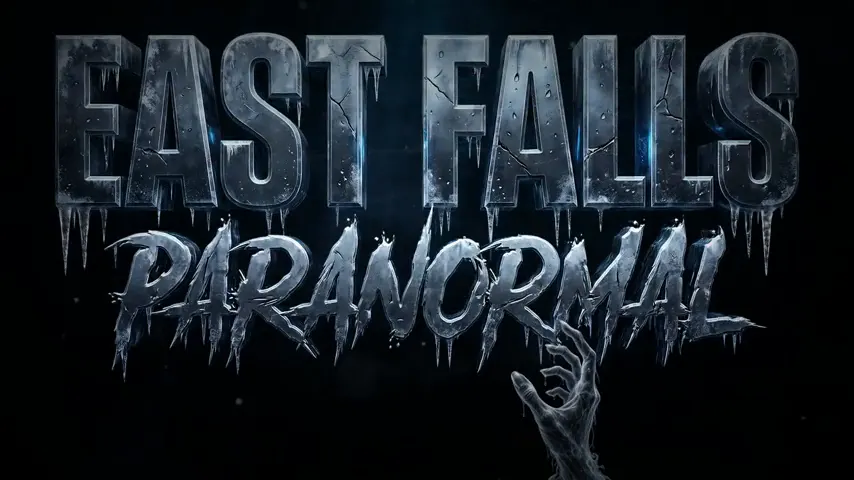
A low drone, a distorted whisper, a single hit on the reveal of your name. Viewers remember the sound of an intro as much as the image. Keep it short and recognisable so it becomes a signature, and make sure the music is licensed for YouTube.
One idea, not a montage
The best intros do one thing well: a logo forming out of static, a door opening onto your name, fog pulling back to reveal the title. A fast montage of random clips feels generic and ages badly.
It matches the rest of your channel
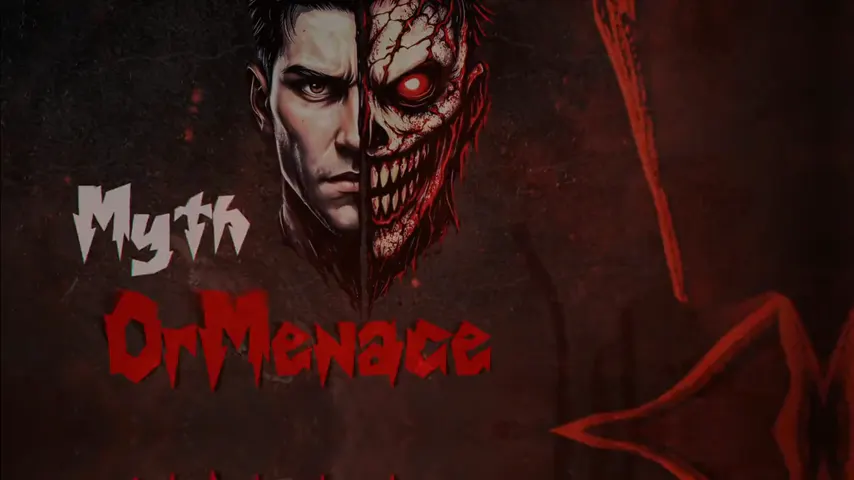
Same colours, same mark, same typeface as your horror channel banner and profile picture. When the intro, banner and thumbnails feel like one system, the channel reads as established, even with a small subscriber count.
Technical specs to ask for
- Resolution: 1920 x 1080 at minimum, 4K if you upload in 4K.
- Frame rate: the same as your videos (usually 30 or 60 fps), so it cuts in cleanly.
- Format: MP4 for editing, plus a version with a transparent background if you want to lay it over footage.
- Audio: delivered on its own track as well, so you can lower it under narration.
Don’t forget the outro
The outro is where viewers decide whether to watch another video. YouTube end screens can run for the last 5 to 20 seconds of a video, so design an outro with clear space for end-screen elements: your next video, a playlist and a subscribe button. Reuse the intro’s sound and look so the video closes the way it opened.
Quick checklist
- 3 to 7 seconds, placed after your hook.
- One visual idea and one signature sound.
- Same colours and mark as your banner and profile picture.
- Matching outro with room for end-screen elements.
- Licensed music.
Get a custom horror intro and outro
Our Premium package ($190) includes a custom intro, outro, logo, banner and watermark designed as one identity, delivered in 7 days with unlimited revisions. Watch our intros and outros or see the Premium package.