How to Build a Horror YouTube Channel Brand (2026)
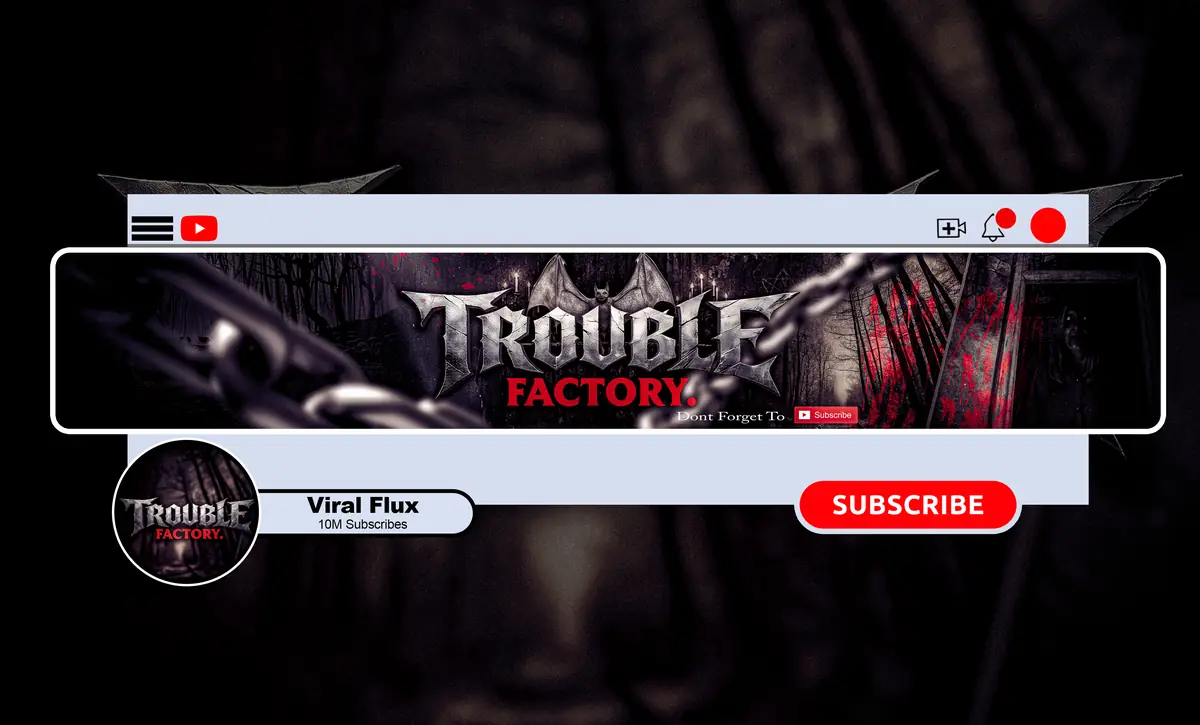
A professional horror YouTube channel brand comes from four decisions made once and repeated everywhere: one mood, one color system, one logo that reads at tiny sizes, and one set of assets that all look like they came from the same place. Get those right and a viewer recognizes your channel from a thumbnail, a profile picture in the comments, or two seconds of your intro.
Most horror channels don’t fail on talent. They fail because the banner, logo, thumbnails and intro were made at different times with different fonts and colors, so the channel never feels like one show. This guide walks through the build in order, with the exact sizes YouTube uses in 2026.
What a Horror YouTube Channel Brand Actually Is
Your brand is not just a logo. It’s the feeling someone gets before they press play, and the visual cues that tell them “this is that channel again.” For a horror creator, those cues usually include:
- A mood: slow-burn dread, analog creepiness, case-file seriousness, or loud gaming chaos.
- A color system: one dark base, one accent, and nothing that fights them.
- Typography: one display font for the name, one plain font for everything else.
- A mark: a logo or symbol that works as a round profile picture and a watermark.
- Motion and sound: a short intro and an outro that use the same look.
If you can describe all five in one sentence, you have a brand. If you can’t, start below.
How to Build a Horror YouTube Channel Brand in 7 Steps
1. Pick your sub-niche and your promise
“Horror” is too wide. A true crime narrator, an analog horror series and a horror gaming streamer need very different looks. Write one line: “I make [format] for people who want [feeling].” For example, “long creepypasta narrations for people who want something to fall asleep scared to.” Every design choice should support that line.
2. Choose a mood board, not a pile of effects
Collect 10 to 15 reference images: film stills, posters, textures, lighting. Then cut half of them. What’s left should agree on lighting, color and texture. A board that mixes neon gore, VHS static and clean minimalism will give you a channel that looks like three channels.
3. Lock a color system
Horror works best with restraint. Pick a near-black base, one accent and one neutral for text:
- Classic horror: black, blood red, bone white.
- True crime: charcoal, evidence-tape yellow or muted red, paper white.
- Paranormal: deep navy, sickly green or cold cyan, grey.
- Analog horror: washed-out teal or beige, VHS red, off-white.
- Horror gaming: black, one saturated accent (toxic green, purple), white.
4. Design a logo that survives 98 pixels
YouTube recommends uploading the profile picture at 800 × 800 px, but on desktop it often shows at about 98 × 98 px, cropped to a circle. That’s where most horror logos die: thin scratchy fonts and detailed illustrations turn into mud. Use a bold symbol or a short monogram, keep it centered, and test it at thumbnail size before you commit. Our guide on how to design a horror YouTube logo covers this step in detail.
5. Build the banner around the safe area
Upload the banner at 2560 × 1440 px. On phones, only the center 1546 × 423 px is visible, so your channel name, tagline and upload schedule must live there. The rest is atmosphere for TV and desktop. See the full breakdown in our YouTube banner size guide for horror channels.
6. Turn the look into a thumbnail system
Thumbnails are where people meet your brand most often. Create a repeatable layout: the same font, the same accent color, the same position for text, and a consistent treatment for faces or scenes. You don’t need identical thumbnails, just a family resemblance someone can spot in a crowded feed.
7. Add motion: intro, outro and watermark
A short intro (a few seconds, after your cold open) and an outro that frames your end screen make the channel feel produced. The watermark, uploaded at 150 × 150 px, keeps your mark on screen while people watch. Read how long a horror YouTube intro should be before you make one.
Horror YouTube Channel Brand Specs (2026)
| Asset | Upload size | What to watch |
|---|---|---|
| Channel banner | 2560 × 1440 px (min 2048 × 1152), 6 MB max | Keep text inside the 1546 × 423 px center safe area |
| Profile picture / logo | 800 × 800 px | Shown as a small circle, around 98 × 98 px on desktop |
| Video watermark | 150 × 150 px | Simple, high-contrast mark; transparent PNG works best |
| Thumbnail | 1280 × 720 px, 2 MB max | Same font and accent color on every upload |
| Intro / outro | Matches your video (usually 1920 × 1080) | Short intro; leave room for end screen elements in the outro |
What Separates a Professional Brand From an Amateur One
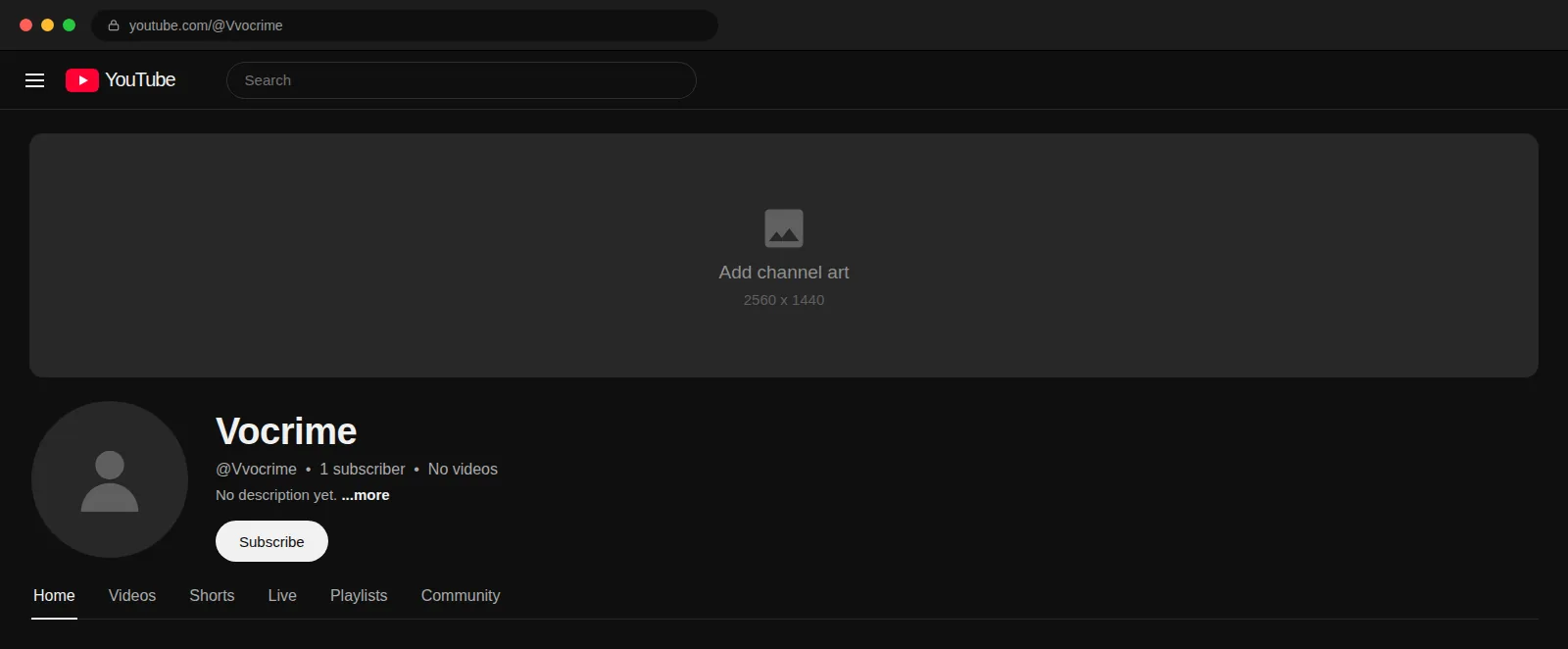
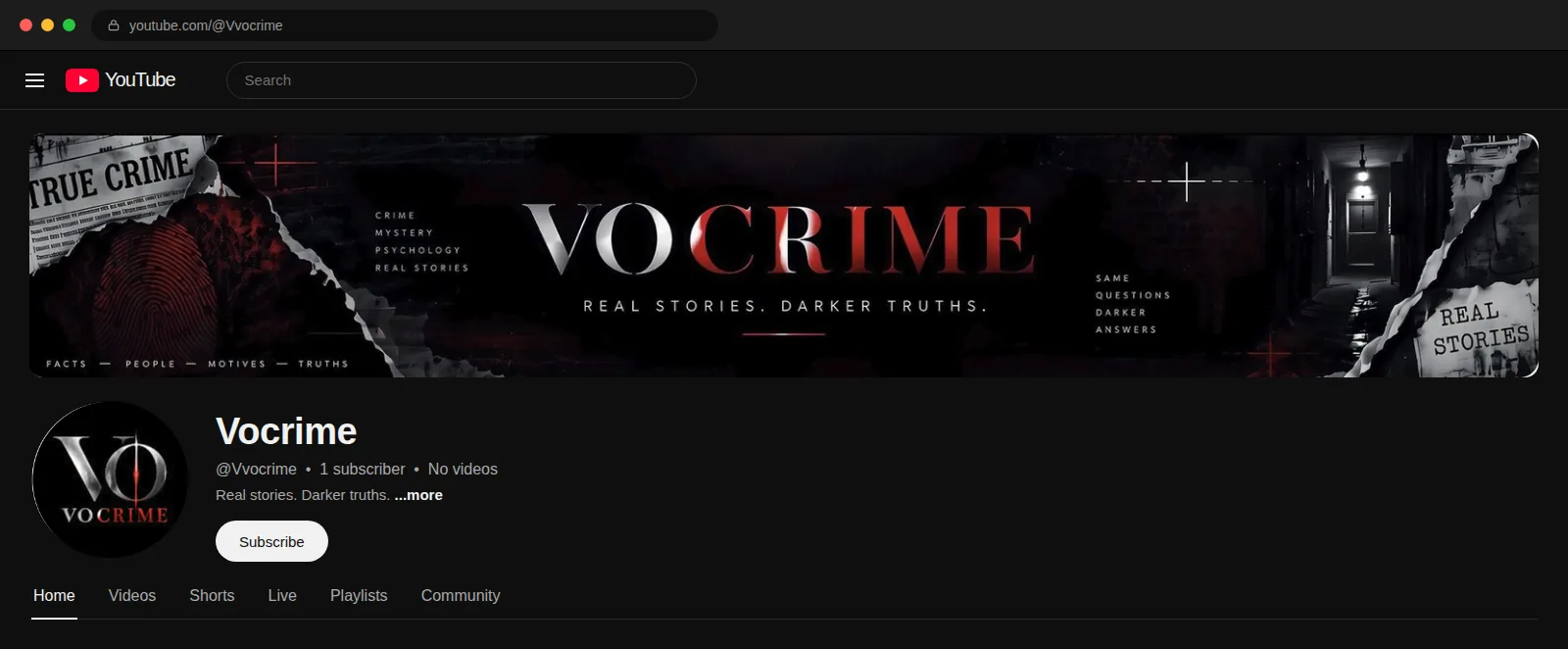
Here’s a real example. The Vocrime channel had content worth watching, but the visuals didn’t say “serious true crime.” After the rebrand, the banner, logo and color system finally told the same story.
Do
- Use the same two fonts on the banner, thumbnails and intro.
- Keep one accent color and use it on purpose.
- Test the logo as a tiny circle and on a phone screen.
- Put your upload schedule or tagline in the banner safe area.
- Save source files so future assets match.
Don’t
- Stack blood splatter, glitch, fire and fog on the same graphic.
- Use five different “scary” fonts across the channel.
- Put important text near the banner edges where phones crop it.
- Use other people’s characters, movie stills or game art.
- Change the whole look every few months.
DIY or Hire a Designer?
DIY is fine while you’re testing a format. Free templates and AI tools are fast, but they tend to look like everyone else’s, struggle with clean lettering, and rarely stay consistent from one asset to the next. Once you’re uploading on a schedule and want the channel to look like a show, a designer who works in horror saves you months of patching things together. We broke down the numbers in YouTube channel branding cost for horror creators.
Here’s how NightCaseStudio’s packages map to the build above:
- Basic, $45 (3 days): a custom horror banner. Good if you already have a logo you like.
- Standard, $70 (4 days): banner plus a custom logo. Covers steps 3 to 5 for a channel starting fresh.
- Premium, $190 (7 days): banner, logo, watermark, intro, outro, full identity and source files. The whole seven-step brand in one go.
All three include unlimited revisions and a full refund if you cancel before work starts. Not sure what you need? Our breakdown of what a horror YouTube branding package should include helps you decide. For Twitch panels, overlays, emotes or thumbnails, message us.
FAQ
How do I make my horror YouTube channel look professional?
Pick one color system and two fonts, then use them on every asset: banner, logo, thumbnails, intro and outro. Upload the banner at 2560 × 1440 px with text inside the safe area, and make sure your logo is readable as a small circle. Consistency is what makes a channel look professional, more than any single effect.
What do I need to brand a YouTube channel?
At minimum, a channel banner and a profile picture logo. A complete brand adds a watermark, a thumbnail style, a short intro and an outro that all share the same colors and fonts. Start with the banner and logo, since they appear on every visit, then add motion assets once you upload regularly.
What colors work best for a horror YouTube channel?
A near-black base with one strong accent works for most horror channels. Blood red suits classic horror, muted red or yellow fits true crime, cold greens and blues suit paranormal, and faded teal with VHS red fits analog horror. Use the accent sparingly so it draws the eye instead of filling the screen.
Should I rebrand my horror channel as it grows?
Rebrand when your current look no longer matches your content, looks dated next to similar channels, or was patched together from mismatched pieces. Keep what viewers already recognize, such as your name and main color, and refine the rest. A full overhaul every few months confuses returning viewers more than it helps.
Build your full horror channel brand in 7 days
Get a matching banner, logo, watermark, intro and outro with source files in the Premium package for $190, or start with a banner from $45. Unlimited revisions, and a full refund if you cancel before work starts. Compare all packages.