AI vs Professional Design for Horror YouTube Branding (2026)
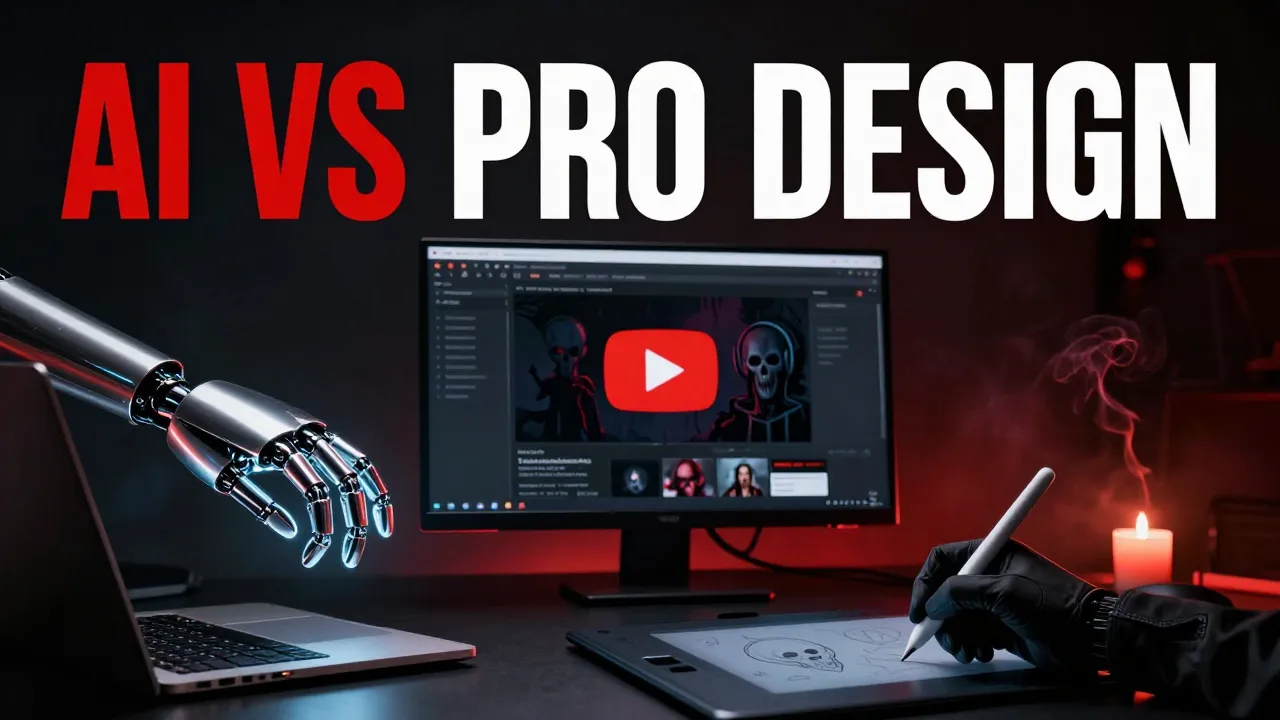
AI vs professional design comes down to one question for a horror YouTuber: do you need something fast and free for this week, or a brand viewers will recognize for years? AI tools win on speed and price; a professional designer wins on readable text, consistency across every asset and clear ownership of the files.
Here is an honest look at both, including what AI does well, where it still breaks, and a simple way to decide what your channel should use right now.
AI vs Professional Design: The Quick Answer
Use AI if you are testing a niche, have zero budget, or only need mood images and ideas. Use a professional when your channel name has to read clearly, when your banner, logo, intro and outro must look like one show, or when you want files you can confidently call your own.
Plenty of creators do both: they use AI to explore directions, then hand those references to a designer who builds the final identity. For the bigger picture, including YouTube’s newer rules, see how AI YouTube channel branding is changing horror channels.
What AI Design Tools Do Well
AI logo generators and image models have improved fast, and it would be dishonest to pretend otherwise. For horror creators they are useful for:
- Speed. You get dozens of foggy forests, haunted houses and skull emblems in minutes.
- Cost. Many tools are free or cheap for a few images.
- Exploring a mood. Want to compare an analog VHS look with a gothic or found-footage feel? AI is a quick sketchbook.
- Background art. Atmospheric scenes with no text are where AI looks strongest.
- Briefing a designer. A few AI images saved as references make it easier to explain the vibe you want.
Where AI Still Falls Short for Horror YouTube Branding
A small, real example: while making the cover image for this very article, the AI generator misspelled the word “professional” twice before we shortened the title. That is the core problem with AI branding in one sentence. Here is the full list of limits you will run into:
1. Text errors
Your channel name is the most important part of your banner and often your logo. AI models still swap, drop or invent letters, especially with longer or unusual names. Fixing that means rebuilding the type by hand anyway.
2. Generic results
Ask for a “horror YouTube logo” and you get the same horned skulls, dripping red fonts and hooded figures thousands of other creators are generating. Horror is a crowded genre, so looking like everyone else is a real cost.
3. Weak consistency
Getting one good image is easy. Getting a banner, a profile picture, a watermark and intro frames that share the exact same palette, type and symbol is hard. Every new prompt drifts a little, and viewers notice when the pieces do not match.
4. Small-size readability
YouTube shows your profile picture as a small circle (around 98 px on desktop, smaller in comments). AI art tends to be busy and detailed, which turns into a smudge at that size. A good logo is simplified on purpose; our guide on how to design a horror YouTube logo explains why.
5. Ownership and licensing questions
In the US, the Copyright Office’s position (restated in its 2025 report on AI and copyrightability) is that material generated purely by AI, without enough human creative control, is not protected by copyright, and prompts alone generally do not count. Each AI tool also has its own terms of use. That does not mean you cannot use AI art, but it may be harder to stop someone from copying a logo that is fully AI-made. This is general information, not legal advice; read the tool’s terms before you build a brand on it.
6. Files that are not ready to use
Most image generators output one flat image at a fixed aspect ratio. You still need a 2560 × 1440 px banner with the name inside the safe area, an 800 × 800 px profile picture, a transparent 150 × 150 px watermark and 1920 × 1080 px motion files. None of that comes out of a prompt ready to upload.
AI vs Professional Design Side by Side
| Factor | AI tools | Professional horror designer |
|---|---|---|
| Cost | Free to low monthly fees | From $45 for a banner at NightCaseStudio |
| Speed | Minutes | 3 to 7 days |
| Channel name spelling | Often wrong, needs fixing | Set by hand, always correct |
| Originality | Tends toward common horror clichés | Built around your name, niche and story |
| Banner safe area (1546 × 423 px) | Not handled automatically | Designed for phone, desktop and TV |
| Readable at 98 px | Often too detailed | Simplified on purpose |
| Matching intro and outro | Hard to keep consistent | Same palette, type and symbol everywhere |
| Revisions | Re-roll and hope | Targeted changes until it is right |
| Ownership | Depends on tool terms; limited copyright for pure AI output | Human-made work and source files delivered |
When AI Is Good Enough
- You are posting your first few videos and still testing true crime vs creepypasta vs gaming.
- You need a temporary banner while you save up.
- You want mood boards to show a designer.
- You only need a background scene and will add the text yourself in a proper editor.
When You Should Hire a Professional
- You upload on a schedule and want viewers to recognize you from a thumbnail or a comment.
- Your channel name is long, unusual or uses a pun that has to read perfectly.
- You want an animated intro and outro that match the banner and logo.
- You stream on Twitch, Kick or TikTok too and need one look everywhere.
- You plan to sell merch or pitch sponsors and want clear ownership of your marks.
The Smart Middle Ground: Use AI, Then Finish With a Designer
You do not have to pick a side forever. A practical workflow many creators use:
- Generate 5 to 10 AI images to find a mood you like.
- Write down what you like about each one: color, symbol, texture.
- Send those references to a designer with your channel name and niche.
- Get a custom logo and banner built to YouTube sizes, then add motion when you are ready.
At NightCaseStudio, every package is designed by hand, with unlimited revisions and a full refund if you cancel before work starts:
- Basic, $45, 3 days: a custom horror banner. For channels whose logo already works.
- Standard, $70, 4 days: banner plus a custom logo. The best replacement for an AI profile picture that does not read at small sizes.
- Premium, $190, 7 days: banner, logo, watermark, intro, outro, full identity and source files. For creators ready to look like a finished show.
Not sure which level you need? Our breakdown of YouTube channel branding cost and the list of what a horror YouTube branding package should include will help. Need Twitch panels, overlays, emotes or thumbnails? Message us.
Do’s and Don’ts If You Use AI for Your Horror Channel
- Do add your channel name with a real font in an editor instead of letting the AI write it.
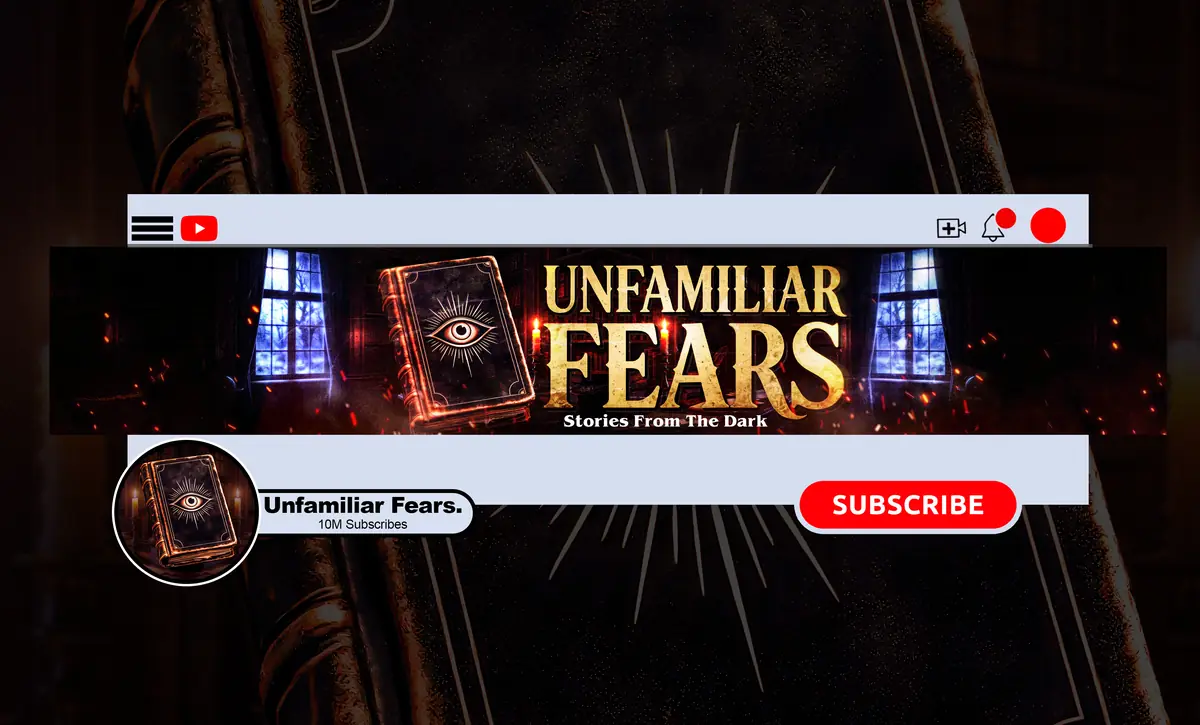
- Do check your banner on a phone; the safe area is only the center strip.
- Do read the tool’s terms on commercial use.
- Don’t use AI images that copy a known movie, game or character.
- Don’t mix three AI styles across your banner, logo and thumbnails.
- Don’t treat a temporary AI logo as your permanent brand once the channel grows.
AI vs Professional Design: FAQ
Can I use an AI-generated logo for my YouTube channel?
Yes, YouTube does not ban AI-made logos or banners, and many channels use them. Check the AI tool’s terms for commercial use, make sure the image does not copy a known character, and fix any text errors. Keep in mind it may be hard to protect a purely AI-generated logo under US copyright law.
Is AI-generated art copyrighted?
In the US, the Copyright Office says purely AI-generated material is not protected because copyright requires human authorship, and prompts alone are usually not enough. Work where a human makes meaningful creative choices, such as arranging or editing, can be protected for those human parts. This is general information, not legal advice.
Is an AI logo generator better than hiring a designer?
An AI logo generator is better for speed and price when you are just testing ideas. A designer is better when the name must be spelled and readable at small sizes, when every asset has to match, and when you want original work you own. Many horror creators start with AI, then upgrade once uploads are consistent.
Why does AI misspell text in logos and banners?
Image models build pictures from patterns of pixels rather than typing letters, so words can come out with swapped, missing or invented characters, especially long or unusual channel names. Newer models are better at text, but errors still happen. The safe fix is to add your name with a real font in a design editor.
Swap Your AI Placeholder for a Real Horror Brand
Get a hand-made horror logo and banner that reads perfectly at every size for $70 in 4 days, or the full identity with watermark, intro, outro and source files for $190. Unlimited revisions, full refund if you cancel before work starts. Choose your package.