
Found Footage YouTube Channel Branding Ideas (2026)
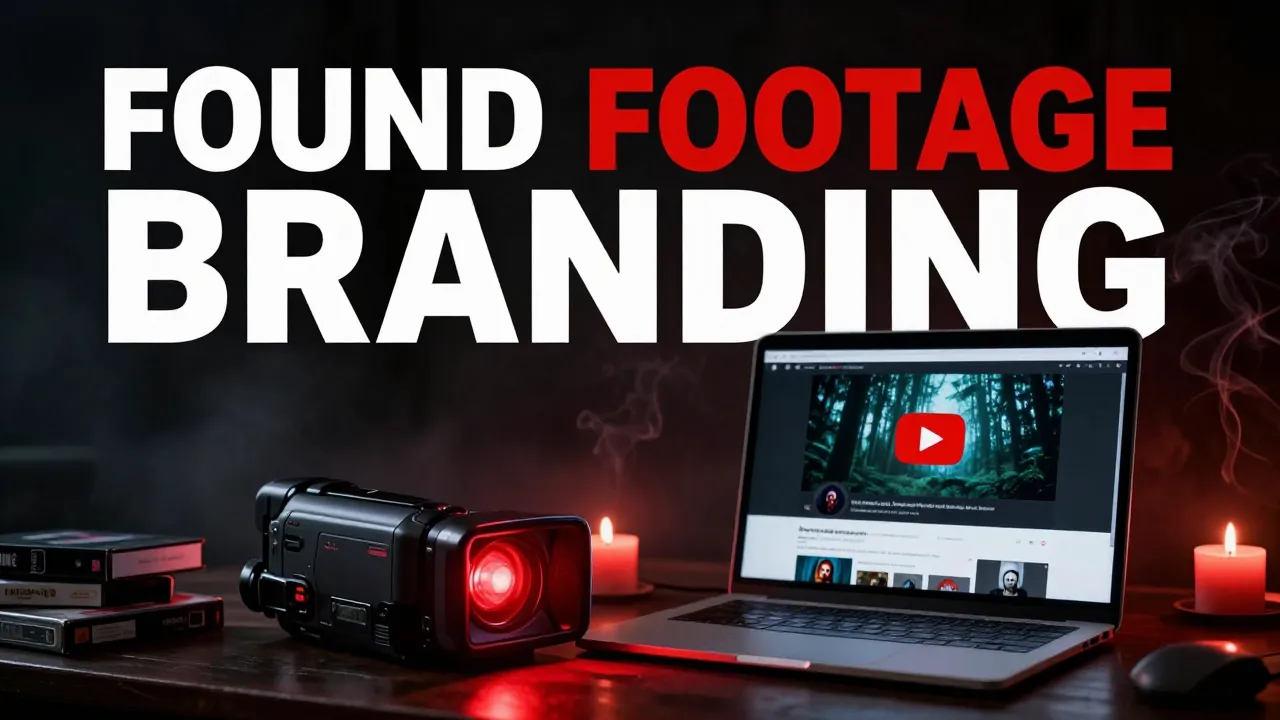
Good found footage YouTube channel branding makes your channel look like recovered evidence, not a Halloween template: camcorder-style type, night-vision color, a REC dot, and a logo that still reads at thumbnail size. The trick is to borrow the language of home video without copying a famous film or burying your name under fake static.
Below are 9 found footage branding ideas you can use on YouTube, TikTok, Twitch or Kick, the exact sizes each asset needs, and the mistakes that make the genre look cheap instead of unsettling.
What Makes Found Footage YouTube Channel Branding Different?
Most horror branding tries to look cinematic. Found footage does the opposite: it tries to look real. The viewer should feel they are watching something that was never meant to be published. That changes the design rules:
- Interface over illustration. Camera viewfinder marks, battery icons, timestamps and tape counters do more work than monsters.
- Limited color. Night-vision green, washed-out daylight, CCTV gray and one warning red.
- Restraint. The scariest frame is often an empty hallway. Your banner can be almost empty too.
- A clear brand underneath. The “found” look is the costume. Your channel name still has to be sharp and readable.
Found footage overlaps with analog horror, but it is not the same thing. Analog horror leans on fake TV broadcasts and emergency alerts; found footage leans on the person holding the camera. If your channel mixes both, our guide to analog horror branding covers the broadcast side.
9 Found Footage YouTube Channel Branding Ideas
1. The camcorder viewfinder banner
Frame your whole banner like a camcorder screen: corner brackets, a blinking-style red dot with “REC”, a battery icon and a timestamp. Put your channel name in the center as if it were the date stamp. Keep the frame marks thin so they do not fight the name.
2. Night-vision green palette
A monochrome green image with bright, glowing eyes or a lit doorway instantly says “ghost hunt” or “someone is filming in the dark.” Pair it with near-black and a single red accent for the REC dot. This works well for paranormal investigation channels too; see our paranormal YouTube channel branding guide for more palettes.
3. The timestamp as your logo
Some of the strongest found footage logos are just typography: your channel name or initials set in a blocky, on-screen-display style font, with a small red dot. Fonts like VCR OSD Mono are widely used for this look; always check the license before using any font in a commercial logo.
4. The “evidence tape” label
Design your logo as a handwritten label on a cassette spine: “TAPE 07 – DO NOT WATCH.” It feels personal and creepy, and it gives you a system you can reuse in thumbnails (Tape 08, Tape 09). Keep the handwriting bold enough to survive a small circle.
5. CCTV security-camera grid
A banner split into four gray camera feeds, one of them showing something wrong, works for channels that cover security-camera clips or “caught on camera” compilations. Label the feeds CAM 01 to CAM 04 and let one feed carry the channel name.
6. The lost-in-the-woods wide shot
Dark trees, a flashlight beam, nothing else. It is the most familiar found footage image, so make it yours with a specific detail: a symbol carved in a trunk, a tent glowing in the distance, or your logo hidden in the treeline.
7. Controlled tracking glitch
One horizontal tracking line or a slight color split across the banner is enough. Use glitch as an accent on the edges, never across your name. A logo that is glitched in the file looks like a broken upload once YouTube compresses it.
8. The “recovered footage” intro
A short intro that starts on blue tape-screen or static, snaps to a shaky frame, and lands on your logo as a timestamp. Add the click of a tape deck and a short hum of tape noise. Keep it to a few seconds so viewers get to the footage fast; our post on the horror YouTube intro explains length and placement.
9. The “end of tape” outro
Close each video with the image freezing, rewinding or cutting to black with “END OF TAPE.” Leave clean space for YouTube’s end-screen elements so the next video and subscribe button sit inside the scene instead of on top of it.
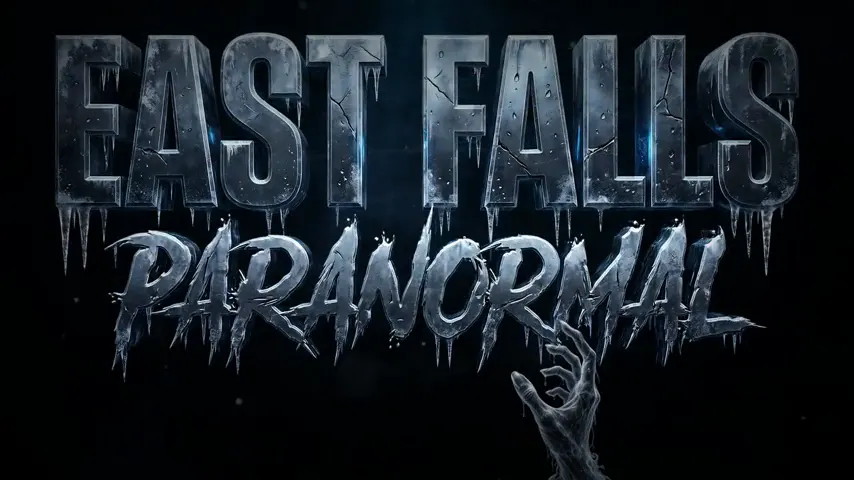
Ideas 8 and 9 are where a found footage channel starts to feel like a series instead of a pile of uploads. If you want the banner, logo, watermark, intro and outro designed together in one style, the Premium horror branding package covers all of it for $190 with source files.
Found Footage Branding Sizes and Specs
Camcorder frames and timestamps are thin, detailed elements, so they get cropped or blurred easily. Build every asset at these sizes:
| Asset | Size | Found footage tip |
|---|---|---|
| Banner | 2560 × 1440 px, text inside the 1546 × 423 px center | Keep REC dot, timestamp and name inside the safe area; viewfinder corners can sit outside |
| Profile picture / logo | 800 × 800 px, shown as a circle (as small as 98 px) | Use one bold mark, like a red dot plus initials, not a full camera screen |
| Watermark | 150 × 150 px | A simple REC dot or tape icon reads well over dark footage |
| Thumbnail | 1280 × 720 px | Repeat the same timestamp font and frame corners on every video |
| Intro / outro | 1920 × 1080 px video | Short tape-noise reveal; leave end-screen space in the outro |
The banner safe area trips up most found footage designs, because the viewfinder frame looks great on desktop and disappears on phones. Our YouTube banner size guide for horror channels shows exactly how the crops work.
Found Footage Branding Do’s and Don’ts
- Do pick one source format (camcorder, CCTV, phone, or night vision) and stay with it everywhere.
- Do keep your channel name clean and sharp, even when everything around it is grainy.
- Do reuse the same overlay elements in thumbnails so the channel grid looks like one archive.
- Do use real dates or episode numbers in your “timestamp” so it doubles as a series system.
- Don’t copy the poster, title style or symbols of a famous found footage film. It looks derivative and can create copyright trouble.
- Don’t stack every effect at once: static, glitch, VHS bars, scratches and blood. Viewers stop seeing any of it.
- Don’t use thin monospace text for the logo itself. At 98 px it turns into a gray line.
- Don’t forget the audio. A tape click or hum is half of the found footage identity in an intro.
Typography makes or breaks this look, so it is worth reading our breakdown of horror fonts for YouTube before you choose a timestamp style.
Which Package Fits a Found Footage Channel?
- Basic ($45, 3 days): a custom found footage banner, for channels that already have a logo they like.
- Standard ($70, 4 days): banner plus a custom logo, the best start for a new channel because the logo shows next to every video and comment.
- Premium ($190, 7 days): banner, logo, watermark, intro, outro, full identity and source files, for creators uploading regularly who want the “tape” feel in every video.
Every package includes unlimited revisions and a full refund if you cancel before work starts. Need thumbnails, Twitch overlays or an offline screen in the same style? Message us and we will quote it.
Found Footage YouTube Channel Branding: FAQ
What font is used for found footage and camcorder text?
Found footage text usually imitates a camcorder’s on-screen display: blocky, monospaced, all caps and white. VCR OSD Mono is one of the most popular free-to-download fonts for this look. Use it for timestamps and labels, but pair it with a bolder font for your logo so the name stays readable at small sizes.
What colors work for a found footage channel?
Pick the colors of your “camera.” Night-vision green and near-black suit ghost hunts, gray-blue suits CCTV and security clips, and faded warm tones suit home-video tapes. Add one red accent for the REC dot. Keeping to three colors makes thumbnails, banner and logo look like one consistent archive.
Is found footage the same as analog horror?
They overlap but are not the same. Found footage presents video recorded by a character, usually on a handheld or security camera. Analog horror often uses fake broadcasts, emergency alerts and training tapes. Both use VHS texture, so many channels blend them, but your branding should lean toward whichever format your videos actually use.
Can I use a famous found footage movie style for my logo?
You can use the general genre language, like timestamps, REC dots and grainy night shots, because nobody owns those. Avoid copying a specific film’s title design, poster, symbols or characters. Besides possible copyright problems, a copied look makes viewers think of that movie instead of your channel, which defeats the purpose of branding.
Make Your Channel Look Like Footage Nobody Should Have Found
Get a custom found footage banner for $45, add a matching logo for $70, or get the full identity with watermark, tape-style intro, outro and source files for $190. Unlimited revisions and a full refund if you cancel before work starts. Start with the Standard package or compare all packages.