Horror Twitch Branding: Banner, Profile Picture, Panels and Offline Screen Sizes (2026)
Horror games are some of the most watched streams on Twitch, which also means a lot of channels that look the same. Clear branding is how a new viewer remembers your name after the jump scare. Here are the sizes you need and how to make a horror look that holds up across platforms.
Twitch image sizes
| Asset | Size | Tip |
|---|---|---|
| Profile picture | At least 256 x 256 px (800 x 800 recommended) | Square, readable when tiny in chat and the sidebar. |
| Profile banner | 1200 x 480 px | Keep the name centred; the edges crop on some screens. |
| Offline screen (video player banner) | 1920 x 1080 px | Show your schedule and where to find you when you are not live. |
| Panels | 320 px wide | Same style for every panel: About, Schedule, Rules, Socials. |
| Stream overlay | 1920 x 1080 px | Transparent PNG so gameplay stays visible. |
How Twitch branding differs from YouTube
On YouTube, your banner and thumbnails do most of the work. On Twitch, people discover you through a small live preview and your profile picture in the directory, so the profile picture matters even more. Your offline screen is also seen far more than people think: every viewer who clicks in while you are offline decides there whether to follow.
Design a mark that survives being tiny
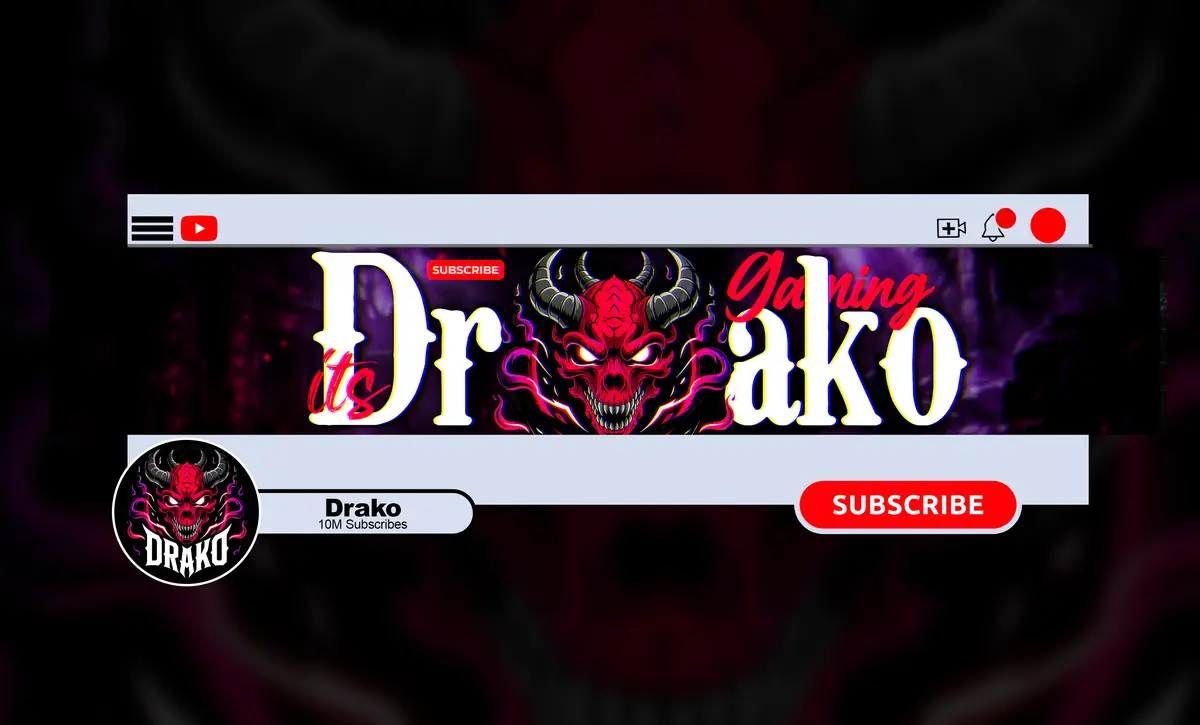
Your profile picture shows up next to every chat message, in raids, in the following list and on mobile. Build it around one bold shape: a skull, a mask, a monogram. Fine detail and small text disappear. If it still reads at 50 px, it will work everywhere.
One identity across Twitch, YouTube and Kick
Most horror streamers also post highlights on YouTube and clips on TikTok, and many multistream to Kick. Viewers should recognise you on every platform. Keep these the same everywhere:
- Your mark in the profile picture.
- Your accent colour, used in banners, panels and overlays.
- Your typeface for the channel name.
- Your intro and outro sound in highlight videos.
Then adapt the layout to each platform’s sizes rather than stretching one image to fit all of them. For YouTube, start with our YouTube banner size guide for horror channels, and open your highlight videos with a short horror intro.
Horror style tips for streams
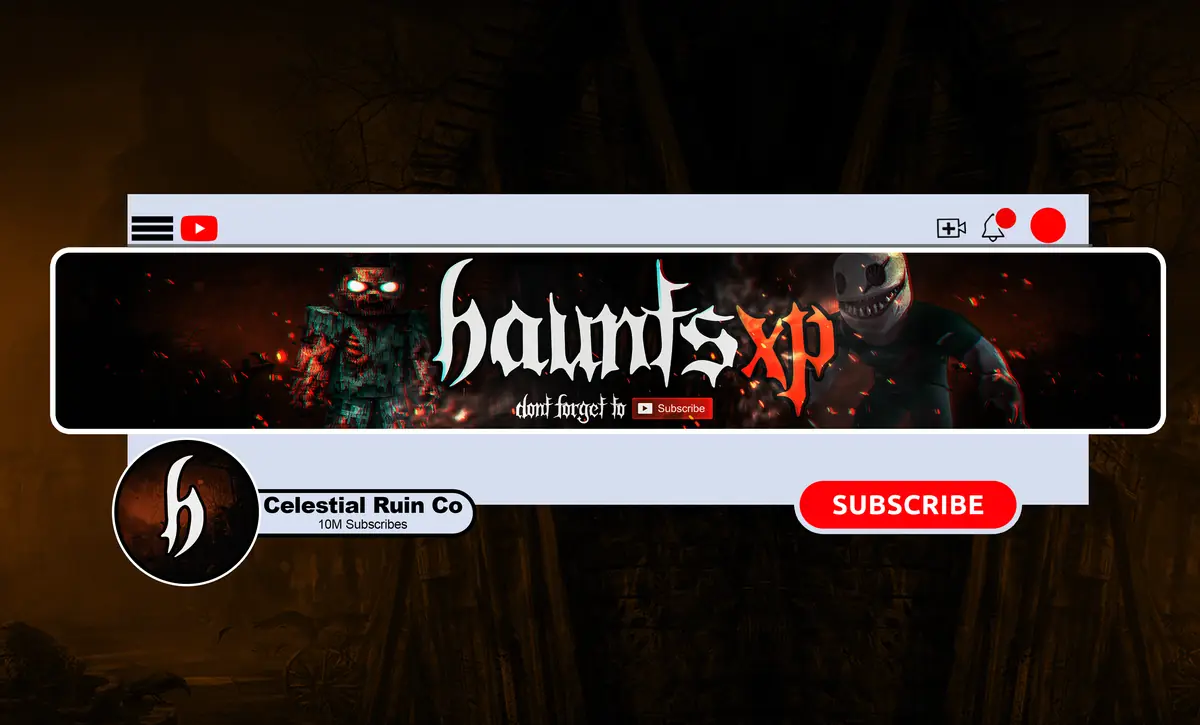
- Keep overlays light. Horror games are already dark and busy. Thin frames and small corner elements leave the game readable.
- Avoid thin red text on black. It vibrates on screen and is hard to read. Use red as an accent, not for body text.
- Match the offline screen to the banner so a returning viewer feels at home.
- Put your schedule on the offline screen and a panel. Horror streams often run late; tell people when.
Checklist
- Profile picture that reads at 50 px.
- Banner at 1200 x 480 with the name centred.
- Offline screen at 1920 x 1080 with schedule.
- Matching panels, 320 px wide.
- Same mark and colour on YouTube, Kick and TikTok.
Horror branding for Twitch and YouTube
NightCaseStudio designs horror banners, profile pictures, intros and outros for Twitch, YouTube and every platform you stream on. See our banners and profile pictures, compare packages, or tell us what you need for panels or an offline screen.