Horror YouTube Banner Ideas for Growing Channels (2026)
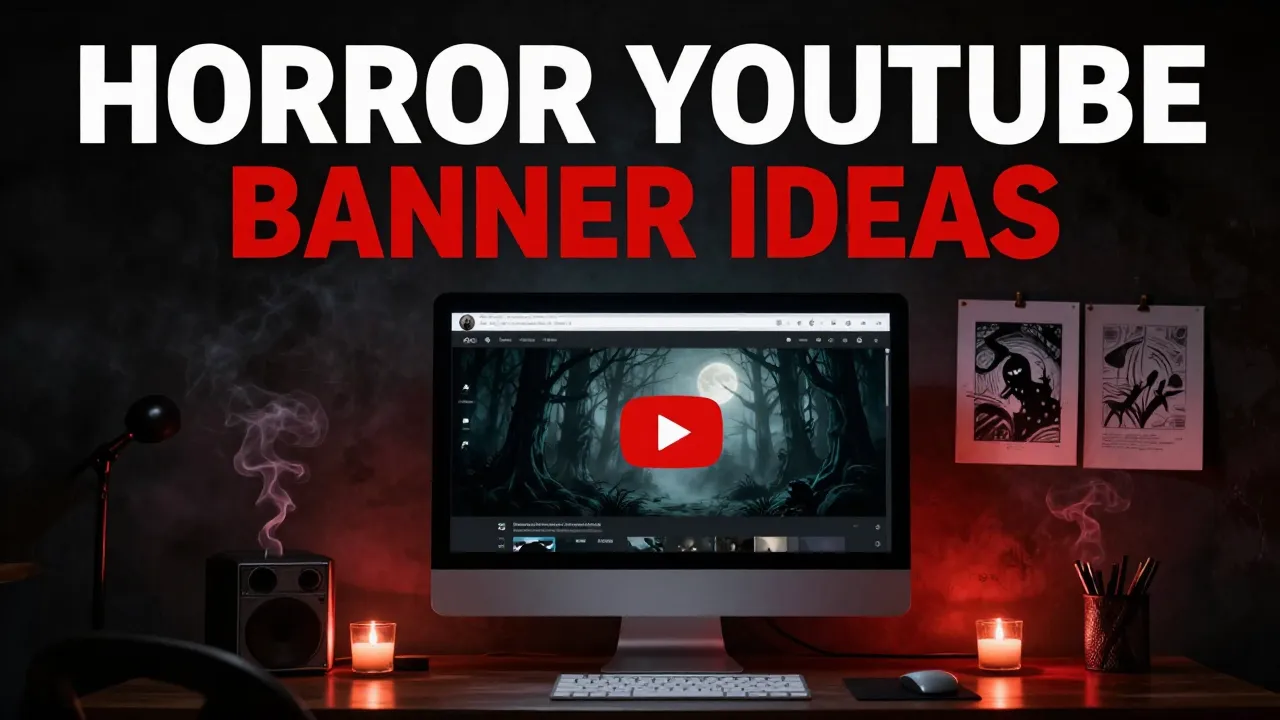
The best horror YouTube banner ideas for a growing channel do one job fast: they tell a new visitor what kind of fear you sell and give them a reason to subscribe, all inside the small center strip that phones actually show. A foggy forest is nice, but a banner that says “true crime case breakdowns, new every Friday” in a look that matches your logo will earn more subscribers.
Below are 10 banner ideas built for horror, true crime, paranormal, creepypasta and horror gaming channels, plus the exact 2026 sizes, what text to include and the mistakes that make a channel look smaller than it is.
Why Your Banner Matters More as Your Channel Grows
When a channel is brand new, almost nobody visits the channel page. Once a video starts getting recommended, that changes: curious viewers click your name to see what else you make. That visit is where they decide to subscribe or leave.
For a growing channel, the banner should answer three questions in a couple of seconds:
- What is this? Your channel name, readable on a phone.
- Is it my kind of horror? The mood and niche: analog, paranormal, true crime, gaming, narration.
- Why subscribe now? A short promise or schedule, like “New stories every Tuesday.”
Horror YouTube Banner Size and Safe Area (2026)
Every idea below has to work inside YouTube’s crop rules. These are the specs YouTube currently recommends for channel banners:
| Spec | Value | What it means for your design |
|---|---|---|
| Recommended size | 2560 × 1440 px | Design the full canvas; TVs show nearly all of it |
| Minimum size | 2048 × 1152 px | Smaller uploads are rejected |
| Safe area | 1546 × 423 px, centered | Name, tagline and schedule must sit here or phones cut them off |
| File size | 6 MB or less | Export JPG or PNG and check the weight before upload |
| Profile picture overlap | Bottom-left on desktop | Keep important details away from where your round logo sits |
Our full YouTube banner size guide for horror channels shows the crop on phone, desktop and TV step by step.
10 Horror YouTube Banner Ideas for Growing Channels
1. The fog-line landscape
A dark treeline, a lone house or an empty road fading into fog, with your name glowing in the middle. It is a classic for a reason: the scene fills the wide TV area while the center stays clean for text. Keep the horizon low so the name has dark, quiet space behind it.
2. The VHS tape frame
For analog horror and found footage, frame the banner like a paused tape: tracking lines, a timestamp, a faded “PLAY” corner and slight color bleed. Use texture with restraint. Heavy noise behind your name kills readability at phone size.
3. The case file
True crime and mystery channels can use a manila folder, a typed label, a coffee-stained map and one strip of red string. It signals research and seriousness, not gore. More looks for this niche are in our true crime YouTube branding ideas.
4. The night-vision ghost cam
Paranormal and ghost hunting channels can borrow the green or grayscale night-vision look, a REC dot and a battery icon. It instantly says “investigation” and pairs well with a logo built from a camera viewfinder or an EMF meter shape.
5. The storyteller’s desk
For narration and creepypasta channels: a candle, an old book, a microphone and a window with something faintly standing outside. It sells the feeling of being told a story at night. Put the upload day under your name, since narration audiences love a routine.
6. The mascot showcase
If your logo is a character (a masked figure, a skull, a creature), give it a bigger moment in the banner: half-hidden at one side, looking toward your name. Viewers start to recognize the character across thumbnails and the profile picture.
7. The minimal wordmark
Black background, your name in one strong typeface, one red accent (a drip, a slash, an underline). It looks confident, loads cleanly on every screen and is hard to get wrong. Great for documentary-style horror and channels that want to feel premium.
8. Original horror gaming key art
Horror gaming channels often want “game cover” energy. Use an original scene (a flashlight beam in a hallway, a controller lit red, a hand reaching from the dark) rather than characters or screenshots from a specific game, which you do not own and which date your banner when you move on.
9. The cinematic letterbox
Add black bars top and bottom, a film-poster title treatment and a short tagline in small caps. It makes the channel feel like a show rather than a hobby, and the letterbox naturally keeps everything near the safe area.
10. The schedule bar
For channels that post on fixed days or stream live, add a slim bar under your name: “New cases every Friday” or “Live Mon / Wed / Sat.” Keep it to one line and only promise what you actually keep up. A wrong schedule hurts trust more than none.
Which Banner Idea Fits Your Horror Niche?
| Niche | Best banner ideas | Color direction | Text to add |
|---|---|---|---|
| Scary stories / creepypasta | Storyteller’s desk, fog-line landscape | Black, candle amber, deep red | Upload day |
| True crime / mystery | Case file, minimal wordmark | Charcoal, paper beige, one red | Short promise (“cases, researched”) |
| Paranormal / ghost hunting | Night-vision cam, fog-line landscape | Black, night-vision green or cold blue | Locations or episode day |
| Analog horror / found footage | VHS tape frame, letterbox | Washed-out blue, static gray, red | Series name or tape number |
| Horror gaming / streaming | Original key art, mascot, schedule bar | Black, red, one neon accent | Stream days and platforms |
| Horror documentary | Cinematic letterbox, minimal wordmark | Black, off-white, muted red | One-line tagline |
Want the bigger picture beyond the banner? These horror YouTube channel branding ideas cover logos, intros and colors for each niche.

Do’s and Don’ts for a Horror Channel Banner
- Do keep your name big and centered in the 1546 × 423 px safe area.
- Do match the banner to your profile picture: same colors, same type, same mood.
- Do test the upload on a phone before you share the channel anywhere.
- Do make a seasonal variant (October, a series launch) instead of a full redesign.
- Don’t use thin, scratchy horror fonts for small text. They turn into noise.
- Don’t put social handles or key text at the far edges; only TVs show them.
- Don’t use movie stills, game screenshots or other people’s art.
- Don’t stack five effects (blood, glitch, fire, smoke, lens flare) in one image. Pick one.
Your logo matters just as much, because it sits next to every video and comment. See these horror YouTube logo ideas to make the pair work together.
DIY or Custom Banner: What Makes Sense Right Now?
Templates are fine for your first uploads. Not sure yet? Our horror YouTube banner design service lets you see your channel name on a free preview before you pay. Once videos start getting real views, a custom banner pays off because it is built around your name and niche, so viewers stop confusing you with the many channels using the same spooky template. Here is how NightCaseStudio’s packages compare:
- Basic, $45 (3 days): a custom horror banner. Right if you already like your logo.
- Standard, $70 (4 days): banner plus a custom logo. The best fit for most growing channels, since the two are designed as one set.
- Premium, $190 (7 days): banner, logo, watermark, intro, outro, full identity and source files, for channels posting regularly.
All three include unlimited revisions and a full refund if you cancel before work starts. Need Twitch panels, an offline screen or thumbnails to match? Message us.
Horror YouTube Banner Ideas: FAQ
What size should a horror YouTube banner be?
Upload your banner at 2560 × 1440 px, with a minimum of 2048 × 1152 px and a file size of 6 MB or less. Keep your channel name and any text inside the centered 1546 × 423 px safe area, because that is the only part every device shows, including phones.
What should I put on my YouTube banner?
Put your channel name, a short line that explains what you make, and optionally your upload or stream schedule. Add one strong image that shows your niche, such as fog, a case file or VHS static. Skip long lists of links; YouTube already shows your links in the channel header.
Should I put my upload schedule on my banner?
Yes, if you keep it. A schedule like “New stories every Tuesday” gives visitors a reason to subscribe and come back. If your posting days change often, use a general promise instead, such as “new cases weekly,” so the banner never shows information that is out of date.
How often should I change my YouTube banner?
Keep the core design for a long time so viewers learn to recognize it. Update details like the schedule or a new series when they change, and try a seasonal variant for October. Do a full redesign only when your niche, name or audience has changed.
Get a Horror Banner Built for Your Channel
Get a custom horror YouTube banner for $45 in 3 days, add a matching logo for $70, or go all in with the full identity for $190. Unlimited revisions and a full refund if you cancel before work starts. Order your horror banner or compare all packages.