Horror YouTube Logo Ideas That Stand Out (2026)
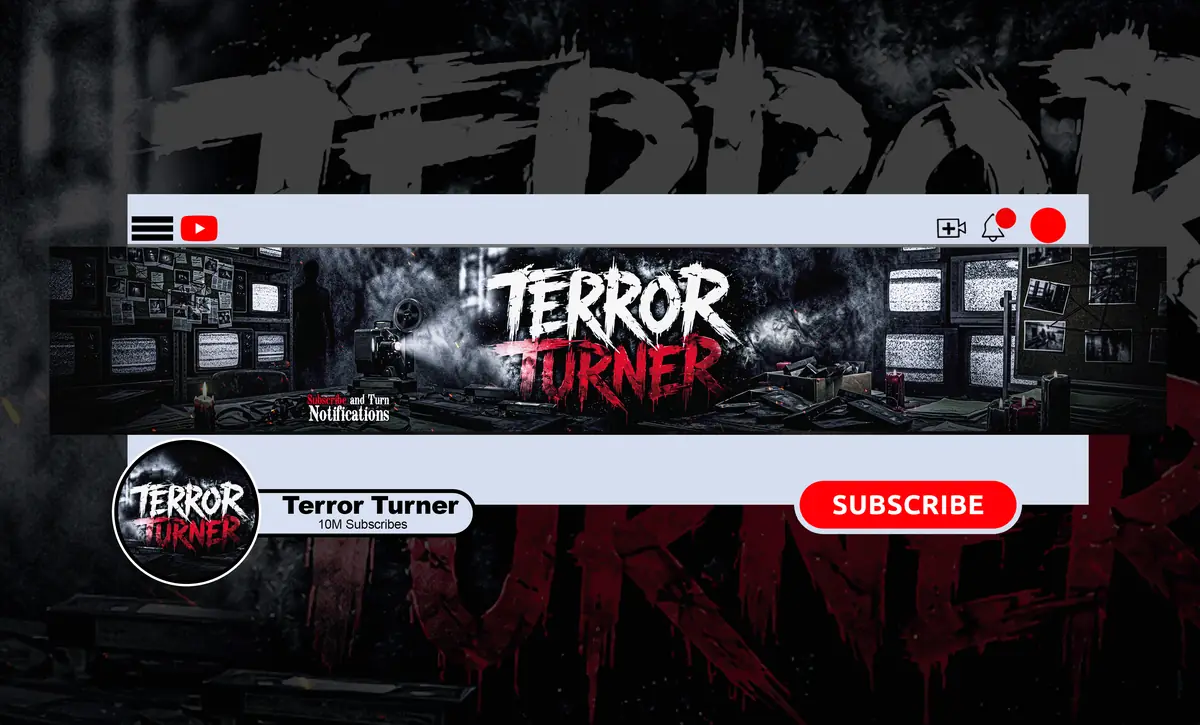
A horror YouTube logo that stands out does one job: it stays readable and recognizable at 98 pixels wide, the size YouTube actually shows your profile picture next to your videos and comments. The best horror logo ideas are built around one strong shape, a tight color palette and a mood that tells viewers your niche before they read a single word.
Below you’ll find 12 horror logo ideas that work on real channels, the exact sizes to design at, and the mistakes that make a creepy logo turn into a gray blur in the sidebar. Once you’ve picked a direction, follow our step-by-step guide on how to design a horror YouTube logo.
What Makes a Horror YouTube Logo Stand Out?
Most viewers meet your logo in three places: the circle beside your video title, the comments section and the subscription list. All three are tiny. That changes what “good” means.
- One focal shape. A skull, an eye, a mask, a moon, a monogram. Not all five.
- High contrast. Pale subject on a near-black background (or the reverse) survives small sizes; mid-gray on dark red does not.
- Niche signal. True crime, paranormal, horror gaming and analog horror each have their own visual language. Your logo should hint at yours.
- Circle-safe composition. YouTube crops your square upload into a circle, so the corners disappear.
Horror YouTube Logo Sizes Across Platforms
Design once at a large size, then export for each platform. These are the specs we checked in September 2026:
| Asset | Upload size | Shown at / limits |
|---|---|---|
| YouTube profile picture | 800 × 800 px (square) | Rendered at 98 × 98 px, cropped to a circle; JPG, PNG, BMP or non-animated GIF, max 15 MB |
| YouTube video watermark | Square, minimum 150 × 150 px | Under 1 MB; a simplified logo mark works best |
| Twitch profile picture | 256 × 256 px or larger (square) | Max 10 MB; JPG, PNG or GIF |
| Master file | 2000 × 2000 px or vector | Keep for merch, intros, thumbnails and future platforms |
Your logo also lives on your banner, so check our guide to horror YouTube banner size and safe areas before you place it there.
12 Horror Logo Ideas for YouTube Channels
1. The Single Glowing Eye
An eye peering out of pure black is one of the most readable horror symbols at small sizes. Give it a red or sickly yellow iris and it pops in any feed. Works for paranormal, creepypasta and scary story channels.
2. The Bold Monogram
One or two letters in a distressed serif or a sharp blackletter. Monograms scale perfectly, make a clean watermark and age well when your content shifts. A great fit for true crime and horror documentary channels that want to look serious.
3. The Stylized Skull
Skulls are everywhere, so the style is what makes yours stand out: a cracked porcelain skull, a skull with a VHS tape for a jaw, a half-skull half-face split. Keep the silhouette simple and the details inside it.
4. The Masked Mascot
An original masked figure, hooded silhouette or plague-doctor style character gives your channel a face without showing yours. Horror gaming and faceless narration channels use this a lot. Make sure the character is your own design, never a copy of a movie killer or game villain.
5. The Occult Sigil
A custom symbol made of circles, lines and runes looks mysterious and reads well as a watermark. It suits dark mystery, folklore and “unsolved” style channels.
6. The Analog Glitch Mark
For analog horror and found footage, a mark with scan lines, RGB split or a tracking-error distortion instantly says “lost tape.” Keep the glitch subtle so it doesn’t smear at 98 px.
7. The Crime-Board Badge
A fingerprint, a case-file stamp, a red thread knot or a magnifying glass over a dark shape. These signal true crime without leaning on gore, which also keeps you safer with advertisers. For banner, color and intro ideas beyond the logo, see our true crime YouTube branding ideas.
8. The Haunted Location Icon
A crooked house, a lone streetlight, a church silhouette under a moon. Ghost hunting and urban exploration channels can own a place-based symbol that matches their banner scene.
9. The Creature Silhouette
Ravens, moths, wolves, antlered figures, long-armed shadows. A black silhouette on a colored circle is among the easiest horror logo ideas to recognize from across a crowded feed.
10. The Dripping or Carved Wordmark
Full channel names rarely survive the profile circle, but a short name (one word, under about eight letters) in custom horror lettering can work. Use it big on your banner and pair it with a simpler mark for the profile picture.
11. The Illustrated Portrait
A dark, painted version of the creator (demon eyes, pale skin, shadowed hood) builds a personal connection while staying on brand. Popular with streamers who switch between YouTube, Twitch and Kick.
12. The Minimal Line Mark
Thin white lines on black: a door slightly open, a candle, a hanging bulb. Minimal marks feel premium and cinematic, but only if the lines are thick enough to hold at small sizes. Test before you commit.
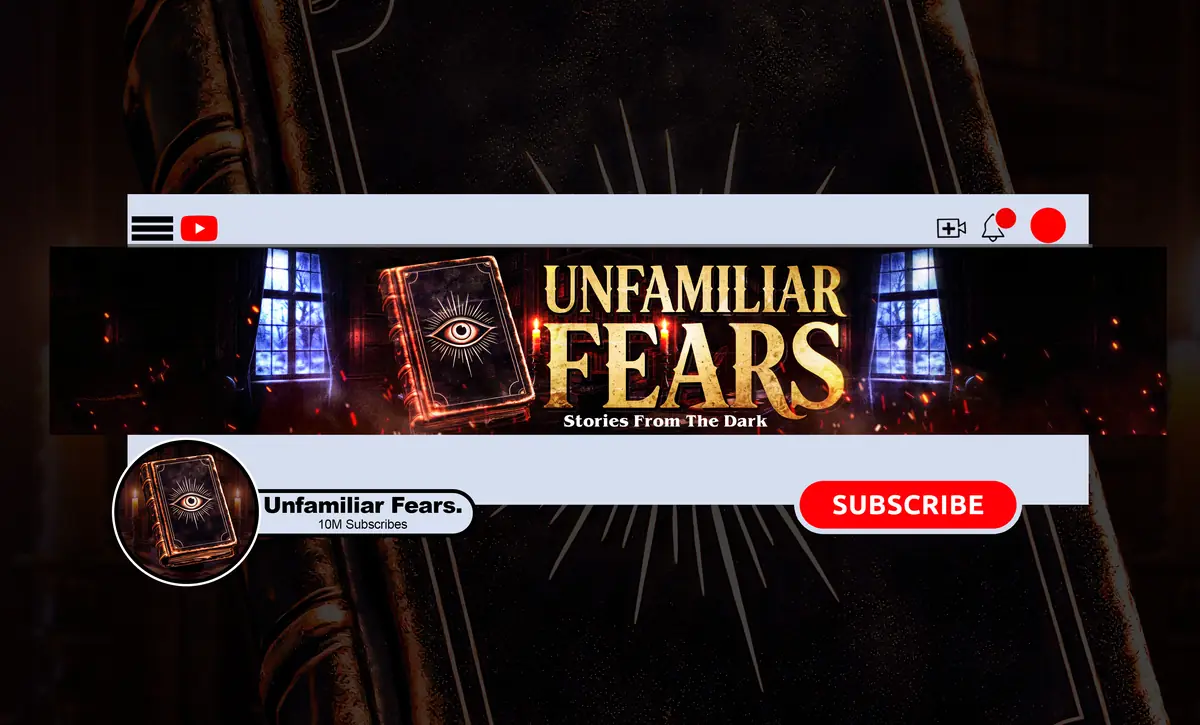
Matching Your Horror Logo to Your Niche
| Niche | Logo ideas that fit | Color direction |
|---|---|---|
| True crime | Monogram, case stamp, fingerprint, red thread | Black, off-white, one blood red accent |
| Paranormal / ghost hunting | Glowing eye, haunted house, lantern | Deep blue-black, cold white, pale green |
| Creepypasta / scary stories | Masked figure, candle, creature silhouette | Black, crimson, candle-orange |
| Horror gaming | Illustrated portrait, stylized skull, mascot | Black with neon red or toxic green |
| Analog horror / found footage | Glitch mark, VHS-inspired badge | Washed-out blue, static gray, warning yellow |
| Horror documentary | Minimal line mark, serif monogram | Black, bone white, muted red |
Do’s and Don’ts for a Creepy Logo That Converts Clicks
Do
- Keep the key shape inside the center circle of your 800 × 800 canvas.
- Shrink your draft to 98 px and 40 px before approving it.
- Use two or three colors, the same ones on your banner and thumbnails.
- Ask for a transparent PNG version for watermarks and overlays.
- Keep a master file so you can reuse the mark in intros and outros.
Don’t
- Cram your full channel name, a skull, blood splatter and a background scene into one circle.
- Use copyrighted characters, movie killers or game art; it can get your branding flagged and it’s not yours to build on.
- Rely on thin, scratchy fonts that vanish on mobile.
- Use graphic gore; tasteful dread reads as more professional and keeps things safer on YouTube.
- Pick a free template thousands of other channels already use.
Your Logo Is Only Half the Brand
A standout horror YouTube logo works best when your banner, watermark, intro and thumbnails all speak the same visual language. A skull logo next to a pastel banner confuses viewers; the same skull repeated in your watermark and intro builds recognition every time someone watches. For banner, color and motion directions that match your logo, browse these horror YouTube channel branding ideas.
If you stream too, carry the logo over with our horror Twitch branding size guide, and add motion with a short horror YouTube intro that reveals your mark. Wondering what all of this costs? We break it down in horror YouTube channel branding cost.
For most growing channels, the sweet spot is a logo and banner designed together. That’s exactly what our Standard package (banner + custom logo, $70) covers. Need the whole system with watermark, intro and outro? The Premium package ($190) adds all of it plus source files.
Horror YouTube Logo FAQ
What size should a horror YouTube logo be?
Upload a square 800 × 800 px image. YouTube renders it at just 98 × 98 px and crops it into a circle, so keep your main shape centered and bold. Accepted formats are JPG, PNG, BMP or non-animated GIF up to 15 MB. Keep a larger master file for watermarks, intros and merch.
Should my horror channel logo include my channel name?
Usually not in the profile picture. Your name already appears beside the icon, and long text becomes unreadable at 98 pixels. A symbol or one-to-two-letter monogram works better. Save the full wordmark for your banner, intro and end screens, where it has room to breathe.
Can I use an AI logo maker for a horror channel?
You can, and it’s fast and cheap. The trade-offs are generic results many channels share, garbled lettering, trouble keeping one consistent look across your banner and watermark, and open licensing questions depending on the tool. Many creators use AI for brainstorming, then get a custom version made.
What colors work best for a horror logo?
Black plus one strong accent is the safest choice: blood red, sickly green, cold blue or candle orange. High contrast keeps the logo readable in light and dark mode. Pick colors that match your niche and reuse them on your banner and thumbnails so the whole channel feels connected.
Get a Horror Logo Nobody Else Has
Custom horror YouTube logo plus a matching banner, built to read at 98 px and look cinematic on every screen. Standard package: $70, 4-day delivery, unlimited revisions and a full refund if you cancel before work starts. Just need a banner? Basic starts at $45. Want Twitch panels or emotes too? Message us.