YouTube Banner Size (2026): How to Design a Horror Channel Banner That Works on Every Screen
Your banner is the first thing a new viewer sees when they land on your channel. For a horror channel it has one job: tell people in under a second what kind of fear you deliver, and make your name impossible to forget. This guide gives you the exact size, the safe area your text has to stay inside, and the design choices that make a horror banner work.
The quick answer: YouTube banner size
| What | Size |
|---|---|
| Recommended upload | 2560 x 1440 px |
| Minimum upload | 2048 x 1152 px |
| Safe area (always visible) | 1546 x 423 px, centered |
| Max file size | 6 MB |
| Format | JPG or PNG |
YouTube shows a different slice of the same image on each device. TV shows almost the full 2560 x 1440. Desktop shows a wide strip across the middle. Phones show only the centre. The safe area of 1546 x 423 px is the part every device shows, so your channel name, logo and any text must sit inside it.
Why horror banners break on phones
Most horror banners fail for the same reason: the designer fills the full canvas with a haunted house, fog and a figure in the doorway, then places the channel name near the edge. On desktop it looks great. On a phone, where most viewers first see your channel, the name is cut off and all that is left is a dark, muddy strip.
Build the banner from the centre out. Put the name and one strong focal element inside the safe area first, then extend the scene to the edges as atmosphere that can be cropped without losing anything important.
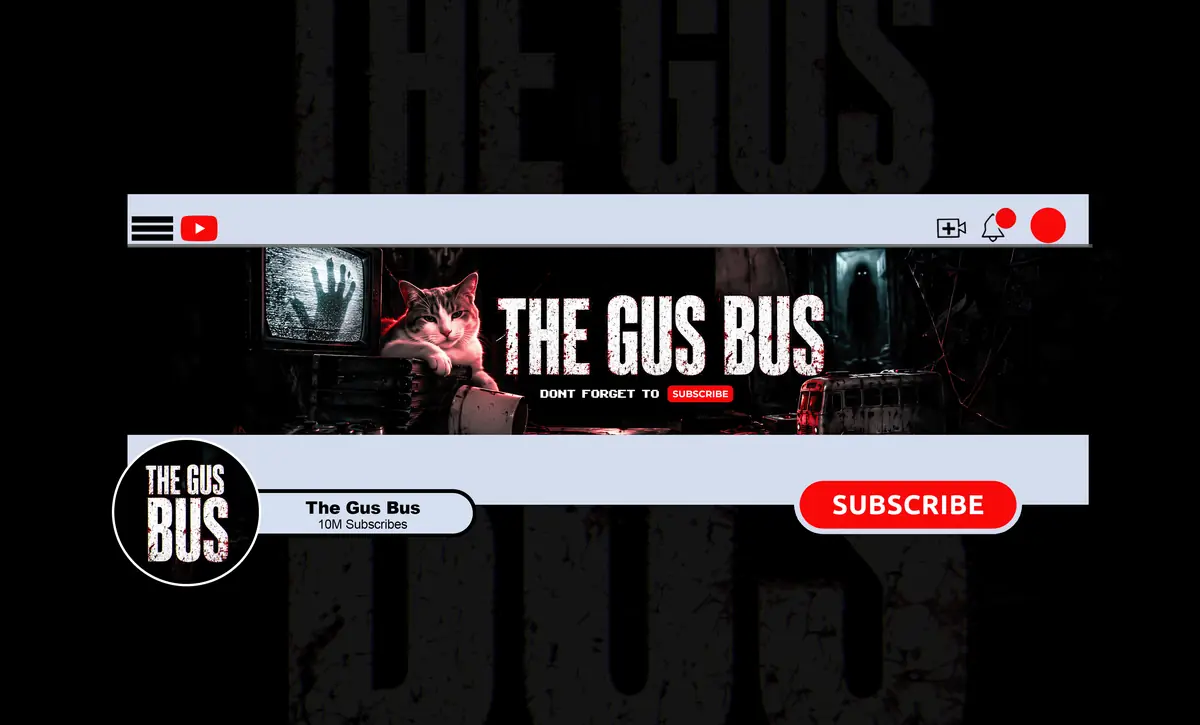
What a horror banner needs to say
- Your channel name, large and readable at phone size. This is the only thing that must be there.
- Your sub-genre. Paranormal, true crime, horror gaming and creepypasta narration all look different. A viewer should guess your niche before reading a word.
- One focal element: a figure, an object or a location tied to your content. One strong image beats five small ones.
- Optional: a short line such as your upload day or a tagline. Keep it inside the safe area and short enough to read in a second.
Horror art direction that reads on a small screen
Contrast first, darkness second
Horror is dark, but a banner that is dark everywhere turns into a black rectangle on a phone. Keep the background moody and give the name and focal element real contrast: light type on a dark scene, or a controlled light source behind the subject.
A limited palette
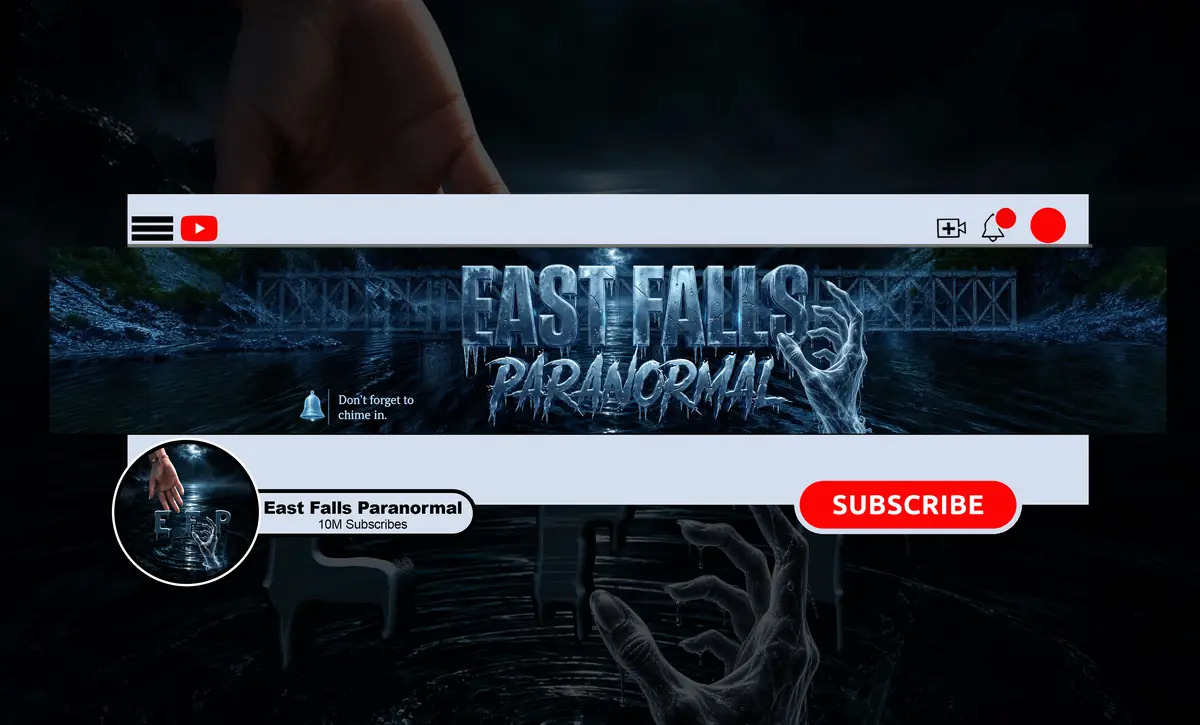
Pick one accent colour and use it on purpose. Blood red suits slasher and true crime, cold blue suits paranormal and found footage, sickly green suits creature horror. The accent should also appear in your profile picture and thumbnails so your channel feels like one brand.
Type with character, not noise
Distressed or dripping fonts can work for the channel name, but they get hard to read fast. Use one expressive face for the name and a clean one for anything else. Test it by shrinking the banner to phone size: if you have to squint, simplify.
Common mistakes
- Text or logo outside the 1546 x 423 safe area.
- Uploading a small image that YouTube stretches and blurs.
- Too many elements competing for attention.
- A banner, profile picture and thumbnails that look like three different channels.
- Generic stock “creepy” imagery that says nothing about your content.
Make the banner and profile picture work together
On YouTube your profile picture sits right under the banner, and on phones it is often seen before the banner loads. Use the same accent colour and the same mark in both. The profile picture should be simple enough to recognise at 98 px, the size YouTube shows next to comments and in search. Upload it at 800 x 800 px so it stays sharp. If you also stream, our horror Twitch branding size guide covers the Twitch versions, and a horror YouTube intro ties the whole look together.
Checklist before you upload
- 2560 x 1440 px, under 6 MB.
- Name and logo inside the centred 1546 x 423 area.
- Readable when shrunk to phone width.
- One accent colour shared with your profile picture.
- Previewed with YouTube’s device preview before saving.
Planning a full rebrand? See what YouTube channel branding costs for a horror channel, from a single banner to a complete identity.
Want a horror banner built for every screen?
NightCaseStudio designs horror banners from $45, and banner plus logo from $70, with unlimited revisions and a full refund if you cancel before work starts. See our banner work or choose a package.